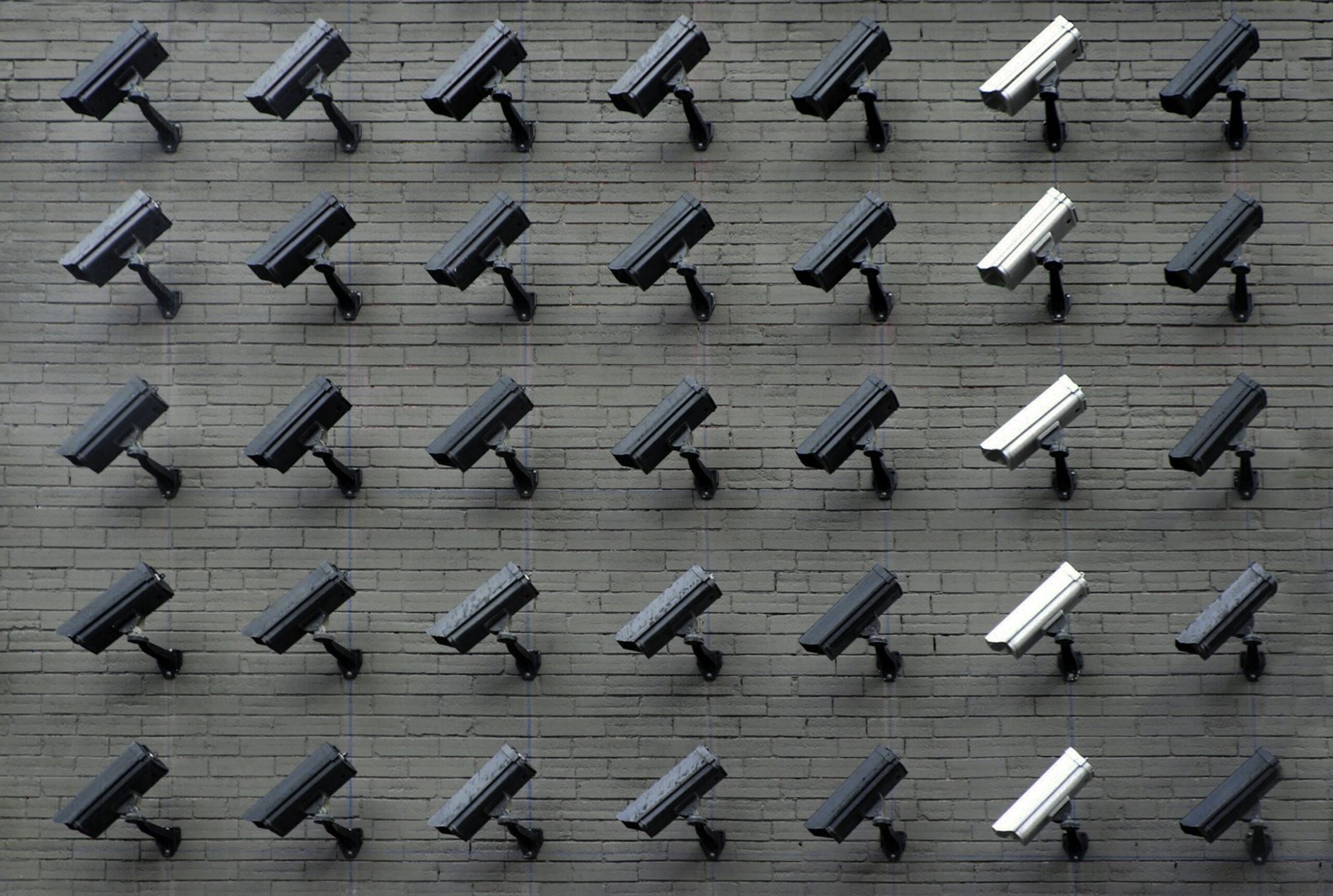
How AI-Powered Threat Detection Actually Works
AI-powered video analytics examine activity patterns inside a camera feed and highlight events that may require attention. Instead of treating every movement as equally important, the system can help distinguish between ordinary customer activity and behavior that falls outside the expected patterns of your business.
What the Analytics Can Flag
Depending on the camera system, available technology, and selected configuration, AI-powered analytics may help identify:
- People entering restricted or staff-only areas
- Unusual movement outside normal business hours
- Prolonged loitering inside or outside the premises
- Unexpected crowd formation or congestion
- Abandoned or unattended objects
- Activity near high-risk merchandise or sensitive areas
- Unauthorized access through designated entrances or exits
- Movement inside areas expected to remain empty
- Repeated movement patterns that may require investigation
- Other unusual events based on the configured monitoring rules
The software's job is to point an operator at the right camera at the right moment. Deciding what actually happened is still a human task.
Why Human Verification Still Matters
The purpose of AI-powered analytics is not to replace human judgment. Its main role is to direct attention toward the right camera at the right time, which matters when several feeds are being observed at once.
When an alert is generated, a trained monitoring operator reviews the live feed and the surrounding context before reporting the event. That step matters because lighting changes, reflections, shadows, deliveries, cleaning staff, equipment movement, and ordinary customer behavior can all trigger automated detection.
Checking the circumstances first reduces unnecessary alerts and keeps management receiving information worth acting on rather than constant notifications. Verified events can then be documented with clear date, time, camera, and location references.
Configuring It Around Your Store
AI monitoring becomes far more effective when the rules reflect how the store actually operates. Important configuration factors may include:
- Camera positions and viewing angles
- Normal business and after-hours schedules
- Restricted or high-risk areas
- Expected employee routines
- Customer traffic patterns
- Delivery and cleaning schedules
- Entrances, exits, and emergency access points
- The types of events management wants prioritized
One Setup Does Not Fit Every Site
A monitoring configuration designed for one location may need different rules at another. Each site should be reviewed on its own so the analytics match its layout, operating hours, risk areas, and normal daily activity.
The Bottom Line
The strongest results come from combining technology with clear response procedures. AI surfaces unusual events quickly; professional operators assess the situation, document what happened, and follow the response instructions agreed with the business owner.